
Google Ads for Bike Repair Mechanics: Get More Relevant Enquiries
How Bike Repair Shops Can Use Google Ads to Bring In Relevant Enquiries. Google Ads for bike repair shops can help you reach local riders looking for servicing or repairs. To turn those searches into relevant enquiries, advertise the work you...
- Oct 21, 2026
- 13 min read
By Asif Shaik
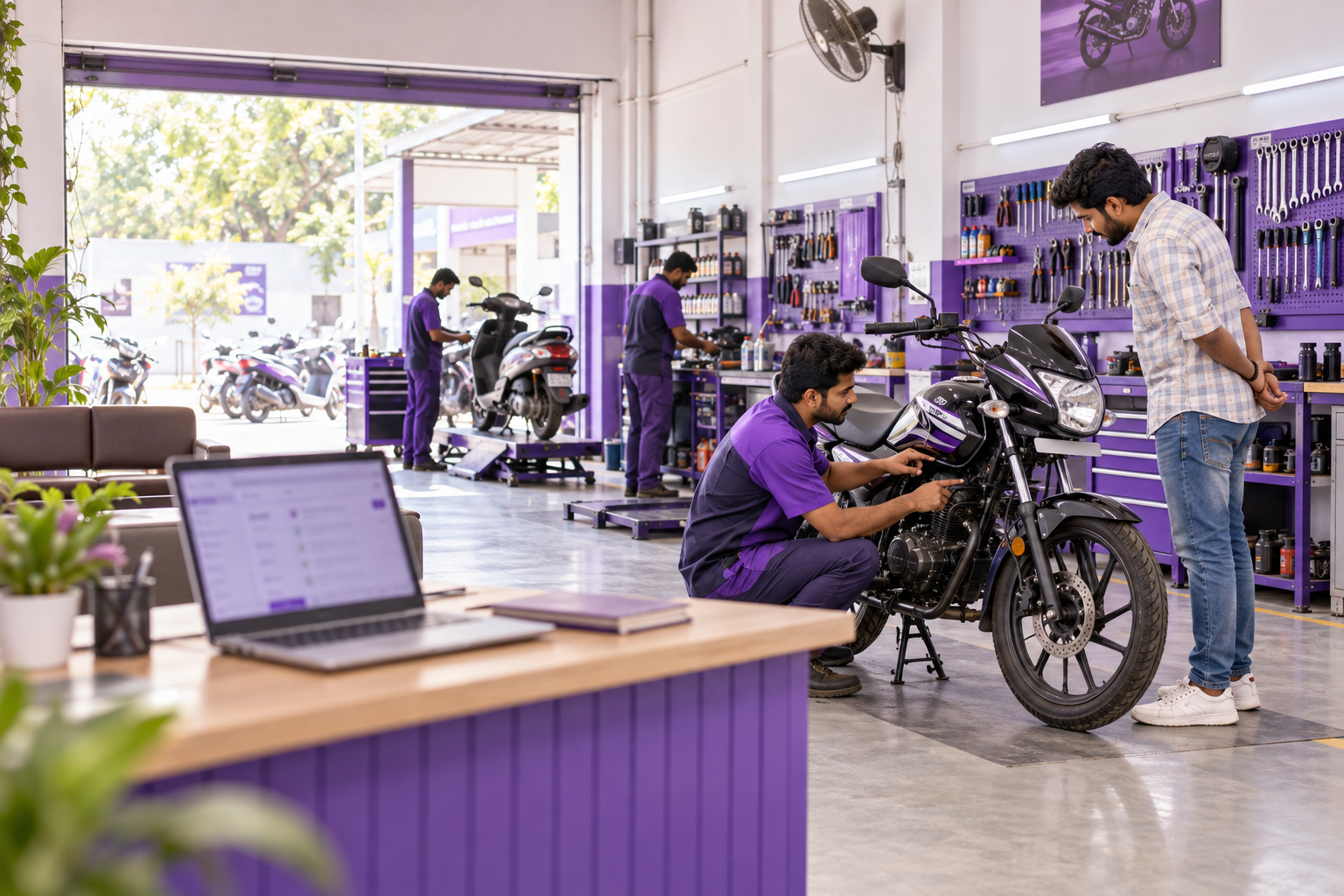
How Bike Repair Shops Can Use Google Ads to Bring In Relevant Enquiries.
Google Ads for bike repair shops can help you reach local riders looking for servicing or repairs. To turn those searches into relevant enquiries, advertise the work you can accept, target locations you can serve and give customers a clear way to contact you.
Then measure what happens after they click. A contact-button click, a repair enquiry and a confirmed appointment represent different stages. Treating them as the same outcome makes it difficult to understand whether advertising is helping the business.
This guide focuses on motorcycle and scooter repair shops, including workshop-based businesses and doorstep-service providers.
Decide Which Repair Jobs You Want to Advertise
Before choosing keywords, decide which work the shop wants and can deliver.
A general mechanic, a scooter-service business and a superbike specialist need different advertising. Even within one shop, routine servicing and urgent breakdown requests may require different staff, equipment and response times.
Write down:
- Supported vehicles: The vehicle types, makes and models you accept, including important exclusions.
- Priority jobs: The repairs and servicing work you actively want to promote.
- Service format: Workshop visits, doorstep servicing, collection or roadside assistance.
- Coverage: Where customers can reasonably reach you, or where your technicians can travel.
- Capacity: Appointment availability, technician skills and parts limitations.
Keep related services distinct. Doorstep servicing does not automatically include roadside recovery. Similarly, experience with petrol scooters does not establish the ability to diagnose electric-scooter batteries.
Define a qualified enquiry before launching. For example, it could be a genuine request involving a supported vehicle, an available service and a location the shop can serve. A confirmed booking comes later, when the customer and shop agree an appointment.
If you need help translating these decisions into campaign settings, Bixeltek’s Google Ads management services cover campaign planning, targeting and measurement.
Organise Campaigns Around What Riders Need

Search campaigns are a practical starting point when you want to reach people actively looking for repairs. Keep the initial structure focused enough to understand which services attract enquiries and where the budget goes.
Group Searches That Need the Same Service and Message
The following campaign outline is illustrative. Include only the services your business provides.
| Ad group | Example searches to research | What the ad should clarify | Suitable destination |
|---|---|---|---|
| Workshop repairs | “motorcycle repair near me” “bike mechanic [area]” | Workshop location and how to arrange an assessment | Workshop-repair page |
| Routine servicing | “bike servicing [area]” “scooter service near me” | Service inclusions and appointment process | Servicing page |
| Doorstep servicing | “doorstep bike service [area]” “bike servicing at home” | Travel coverage and work possible on site | Doorstep-service page |
| Specialist repairs | Relevant make, model or specialist-service searches | Relevant expertise and assessment requirements | Matching specialist-service page |
Ad groups organise related keywords and ads within a campaign. Separate campaigns become useful when services need different budgets, locations or schedules.
Avoid splitting the account into numerous small campaigns without a clear reason. The structure should support decisions the business can actually make.
Choose Keywords That Express Repair Intent
Research the wording customers use locally. Bike mechanics, two-wheeler service and motorcycle repair may express similar needs. Bike shop is less specific and could refer to vehicle sales, accessories or bicycle repairs.
For a controlled initial test, consider tightly relevant phrases and exact match keywords. Neither guarantees literal matching: exact match can include searches with the same meaning or intent.
Broad matches can be tested when the measurement setup, bidding approach and budget support a wider range of searches. Include a plan for reviewing the traffic it attracts.
Judge relevance using the actual search terms that trigger ads, alongside enquiry feedback.
Target Locations You Can Serve Reliably
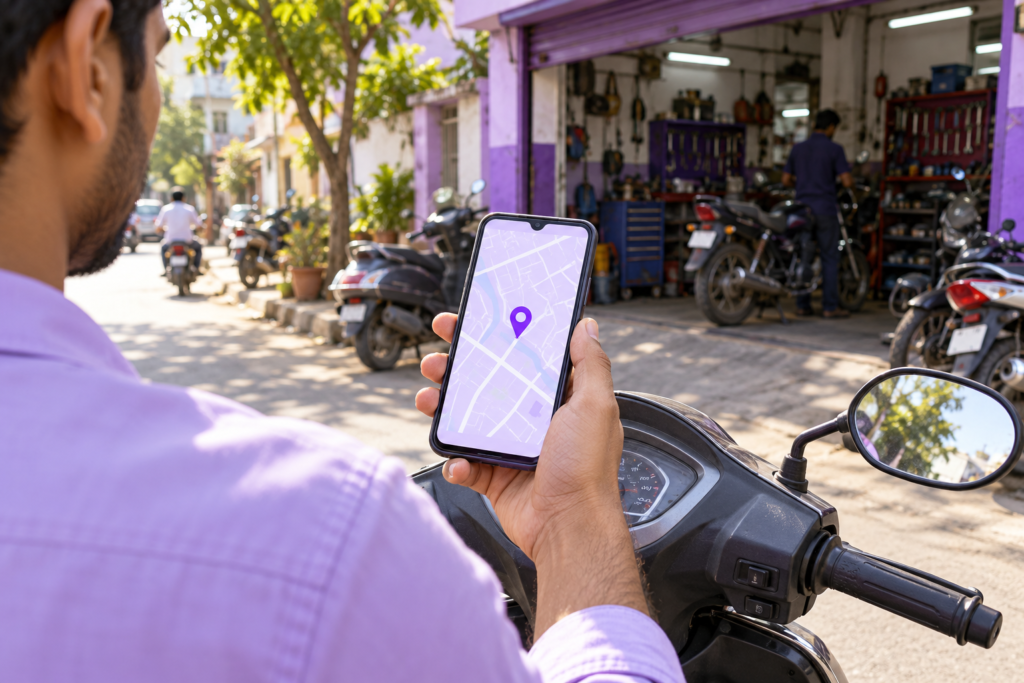
A workshop’s catchment area should reflect realistic customer travel. A doorstep business also needs to consider technician travel time and whether the job remains worthwhile after the journey.
A specialist workshop may attract riders from farther away than a routine scooter-service provider. Choose geography according to how the service is delivered rather than applying one radius to every business.
Review the campaign’s location options. The Presence option reaches people likely to be in or regularly in your selected locations. For a neighbourhood repair shop, this is often a sensible starting point compared with also reaching people who have shown interest in the area.
Location targeting uses signals and is not a guaranteed boundary. Compare geographic reporting with the service locations recorded during enquiries.
If unsuitable locations repeatedly appear, inspect targeting, exclusions and the coverage stated in the ads and page. One out-of-area enquiry alone does not establish a targeting error.
Exclude Unsuitable Searches Carefully
Negative keywords help prevent ads from appearing for searches that do not fit your offer.
Potential exclusions include:
- Mechanic jobs, vacancies and training courses.
- Repair manuals or tutorials.
- Bicycle repairs, if you service only motorised two-wheelers.
- Vehicle sales or rentals, if unavailable.
- Parts-only purchases, if you supply parts only as part of repair work.
Review exclusions in context. Blocking “parts” could remove a useful search about a repair requiring replacement parts. Blocking “free” could exclude someone looking for servicing that includes free collection.
In the Google Ads search terms report, inspect the query, matched keyword, spending and recorded outcomes. Use that evidence to decide whether to exclude a term, adjust matching or clarify the offer.
Negative keyword match types behave differently from ordinary keyword match types. They do not automatically exclude every related form of a word.
The report also omits some searches for privacy reasons. It is useful diagnostic evidence, but it does not provide a complete list of every query that triggered your advertising.
Write Ads That Set Clear Expectations
An effective repair ad helps the rider understand what you offer and what to do next.
Use relevant service and location details. Include claims about qualifications, warranties, parts or turnaround only when the business can substantiate them.
For a hypothetical doorstep-service provider, possible ad elements are:
Headline: Doorstep Bike Service
Headline: Book Motorcycle Servicing
Description: Request servicing at your location. Share your bike model and area so we can confirm availability.
The live ad and destination should identify the actual service area.
If you advertise a package, explain what is included and what costs extra. A starting price should identify the service or vehicle category it applies to. Avoid implying that every mechanical problem can be repaired for that amount.
Time-sensitive promises also need operational support. If same-day availability varies, Ask About Today’s Availability is more accurate than an unconditional same-day claim.
Give Visitors a Clear Route From the Ad to an Enquiry
Someone clicking a doorstep-service ad should immediately find the coverage and booking process. A workshop-repair visitor should be able to locate the business and understand how to arrange an assessment.
The destination should explain:
- Relevant repairs and supported vehicles.
- Workshop or doorstep availability.
- Location, service coverage and opening hours.
- Pricing information or how estimates are prepared.
- Genuine shop photographs and relevant customer feedback.
- How to call or submit a request.
- Whether an enquiry needs confirmation before an appointment is booked.
An existing service page can work if it answers these questions clearly. A dedicated campaign page becomes useful when the offer or enquiry process needs a distinct explanation.
Keep forms manageable. A name, contact number, bike model, locality and short description of the problem may provide enough information to begin assessment.
Test the page on a phone. Check that the call button opens the intended number and accepted form submissions reach the person responsible for responding. A success message alone does not verify delivery.
If development is needed to improve this process, Bixeltek’s professional web design services provide a relevant route for reviewing the enquiry experience.
Match Advertising Hours to Your Response Process

Advertising an urgent repair service creates an expectation of a timely response.
Use responsive search ads with call assets where appropriate. Call assets can be scheduled for the days and hours when someone can answer.
Review the campaign schedule separately. Hiding a call asset does not stop the rest of the ad from appearing.
After-hours advertising may still suit planned servicing if the page accepts requests and explains when customers should expect a response.
Assign responsibility for answering calls, returning missed calls, reviewing submissions and confirming appointments. Record follow-up attempts and outcomes consistently.
An unreachable person should remain unresolved until the agreed follow-up process is complete. An unanswered call is not enough evidence to classify someone as an unsuitable lead.
Hypothetical Example: Calls Arrive During an Unstaffed Lunch Period
A scooter-repair shop sees call activity in Google Ads but few appointments.
The owner compares Google Ads call reporting, phone logs and staff coverage for the same dates, with timestamps aligned to the account time zone. The records show missed calls during a lunch period when the advertised number is unattended.
The confirmed issue is a response gap. The records do not establish whether every missed caller needed a service the shop could provide.
The shop assigns lunchtime phone coverage and aligns the call asset’s schedule with staffed hours.
To verify the correction, the team tests the published phone route during the previously unattended lunch period and confirms that it reaches the assigned staff member. Separately, it verifies the call asset’s schedule and inspects subsequent customer call records.
The routing test confirms that the operational correction works under those conditions. Actual enquiry and booking records are needed to assess what happens to advertising-generated calls.
Measure Repair Enquiries Separately From Clicks and Bookings
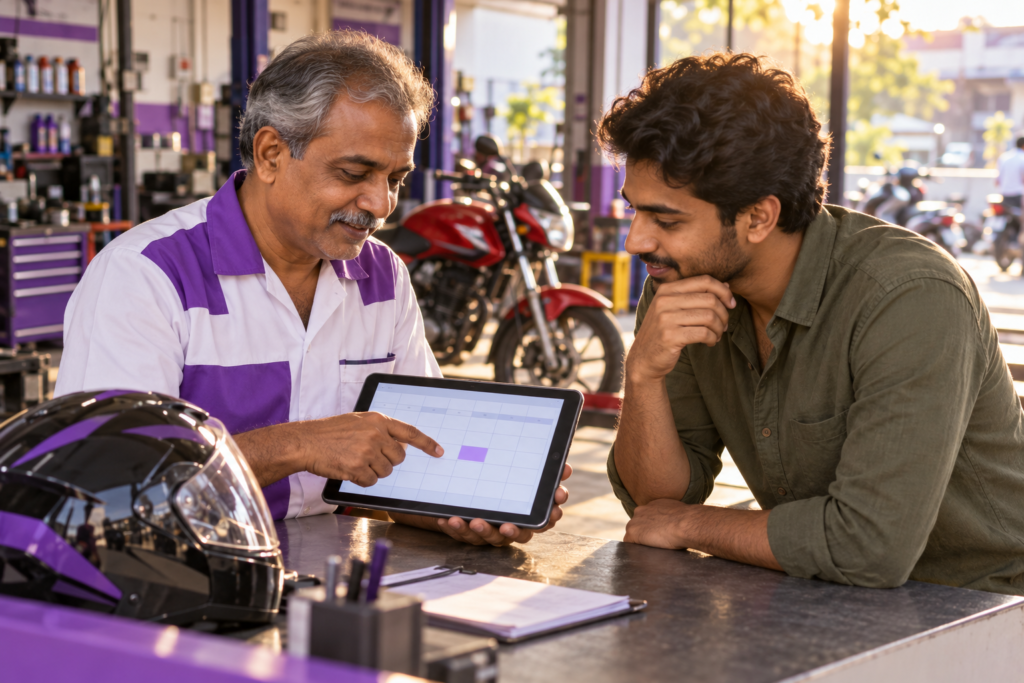
Your reporting should distinguish the stages between initial interest and paid work.
- Contact interaction: A telephone-link click, messaging-button click or form opening.
- Completed repair enquiry: A successfully received request or connected conversation about potential repair or servicing work. Record existing-job updates and unrelated calls separately.
- Qualified enquiry: A request assessed against the shop’s defined business criteria.
- Confirmed booking: An appointment agreed with the customer.
- Completed job: Work delivered, with payment status recorded separately.
A messaging-button click does not prove a message was sent. A telephone-link click does not prove a call connected.
Call duration can help screen activity, but it does not establish service suitability or a booking. Where supported, call reporting provides additional evidence; check availability and setup for the country and call route being measured.
Review the Outcomes Used for Conversion-Based Bidding
In Google Ads, check both the conversion actions and the goals selected by each campaign.
Primary actions are used for bidding when their standard goal is selected. Secondary actions normally support observation. Custom goals are an exception: included actions can be used for bidding even when designated secondary.
Avoid making low-value contact interactions the main objective when the business needs completed repair enquiries.
If qualified-lead or booking feedback can be imported accurately and consistently, assess whether those outcomes provide suitable bidding signals. There is no universal click count that determines when every shop should change bidding strategy.
For implementation checks, use Bixeltek’s guide to Google Ads conversion tracking mistakes.
Compare Advertising Reports With Business Records
Keep an enquiry record containing the contact date, requested work, response status, qualification decision and booking outcome.
When reconciling it with Google Ads, align action definitions, date ranges and time zones. Use conversion-time reporting where appropriate when comparing outcomes by the date they happened.
Distinguish a customer enquiring several days after clicking from an enquiry that happened earlier but appeared in reporting late. Submission timestamps and processing or import records help separate these situations.
Estimate a Test Budget Before Launching
Use Google Ads Keyword Planner with your intended locations and repair-service terms to review estimated demand and costs.
A practical planning process is to:
- Enter the relevant services and select the intended locations, languages and network.
- Remove keyword ideas that do not match the work you want.
- Review historical search estimates and forecasts for the planned period.
- Compare spending scenarios with what the business can afford to test.
- Agree a spending limit, review date and conditions for continuing, changing or pausing the test.
Treat forecasts as planning estimates. They do not establish how many qualified enquiries or paid repairs the shop will receive. Estimates can also be less reliable for small geographic areas with limited data.
Relate Acquisition Costs to the Value of Completed Work
Consider the contribution remaining after parts, direct labour, travel and other job costs. Decide how much can be allocated to acquiring a completed job while leaving enough to cover overheads and profit.
Then account for enquiries that do not become paid work. Follow enquiries received during the same period and allow the agreed follow-up and job-completion window before assessing their outcomes.
To calculate the enquiry-to-paid-job conversion rate, divide the number of enquiries that resulted in at least one completed, paid job by the total completed repair enquiries in the same group, then multiply by 100. Count each enquiry once, identify repeat contacts about the same request, and report unresolved enquiries separately.
For example, if a hypothetical group contains 40 completed repair enquiries and 10 result in at least one completed, paid job, the conversion rate is 25%. Additional jobs arising from those same 10 enquiries do not increase the number of converted enquiries.
Assess advertising spend alongside management, tracking and landing-page costs. Media cost alone does not represent the full investment.
Find the Cause Before Increasing Spending
Different findings require different corrections.
If unsuitable requests dominate, inspect search terms, geography and offer wording. Confirmed mismatch supports changes to targeting or messaging.
If relevant visitors struggle to submit, test the form and contact routes. Repair confirmed errors before buying more traffic.
If enquiries arrive but are missing from reports, investigate measurement and attribution. Low reported conversions alone do not establish low enquiry volume.
If suitable enquiries remain unanswered, correct staff coverage, notifications or follow-up.
If qualified enquiries do not become bookings, review appointment availability, estimates and recorded reasons for declining.
Increase spending when enquiry quality, completed-job economics and operational capacity support it.
Get Help With Unclear Campaign Results
If your ads attract unsuitable repair requests, your conversion totals do not match genuine enquiries or you cannot see which services produce bookings, Bixeltek can review the targeting, destination page and measurement setup together.
That review can help identify whether the next correction belongs in the campaign, the website or the enquiry-handling process.