
Getting Out of Area Leads? Check Google Ads Location Targeting
Why Is Your Vancouver Business Getting Google Ads Leads from Outside Its Service Area? Your team discusses an enquiry, then discovers the customer needs help somewhere you cannot serve. Your campaign settings, coverage wording or enquiry process may need attention.Outofarea Google...
- Nov 19, 2026
- 7 min read
By Asif Shaik

Why Is Your Vancouver Business Getting Google Ads Leads from Outside Its Service Area?
Your team discusses an enquiry, then discovers the customer needs help somewhere you cannot serve. Your campaign settings, coverage wording or enquiry process may need attention.
Outofarea Google Ads enquiries can happen because your campaign reaches people interested in Vancouver, targets an area larger than your service area, or attracts customers requesting work elsewhere. Location signals are also imperfect.
Start with the address where the work is required. A customer calling from outside Vancouver may own a property you can service. Someone searching inside Vancouver may need work at an address you cannot reach.
What Google Ads Location Targeting Controls
Google Ads location targeting helps determine who can see your ads based on location. You can select available places, set a radius, exclude areas and choose whether interest in a location can also qualify someone.
These controls help align advertising with your service coverage. The benefit is greater control over whom you reach, although they cannot guarantee that every enquiry will be suitable.
If customers visit your business, check whether they can attend.
The checks below focus on Search campaigns for businesses serving Vancouver and nearby municipalities. Owners, advertising managers and enquiry handlers contribute different evidence: service boundaries, campaign settings and customer requirements.
Confirm Where the Requested Work Is Needed

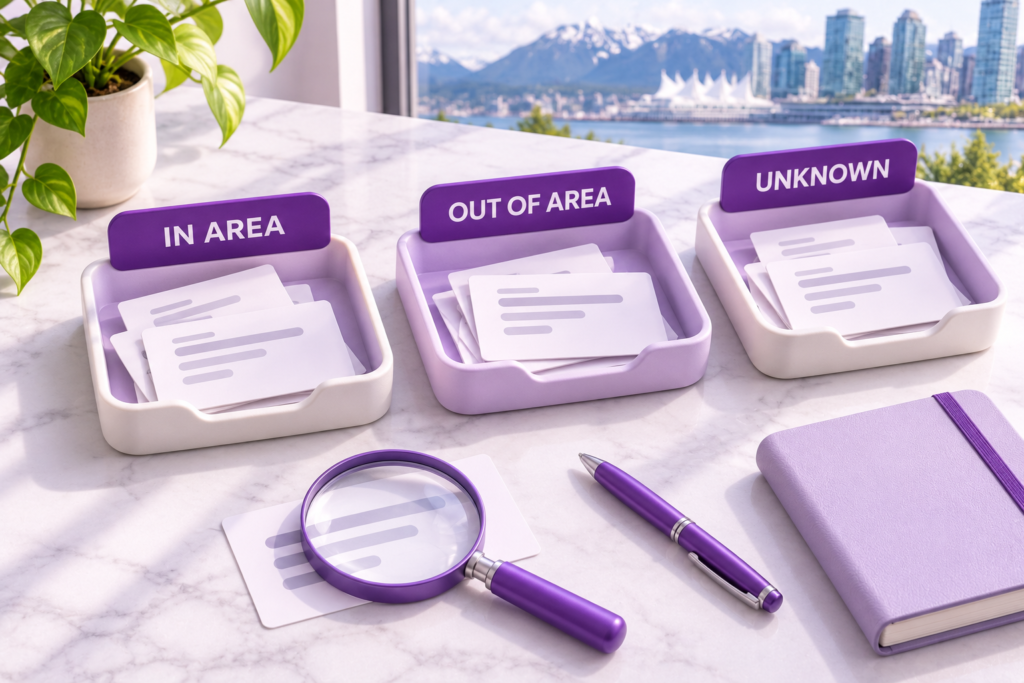
Before changing targeting, review recent enquiries with your team. Record the requested service, service city or postal code, campaign source where identifiable, and reason for accepting or declining the work.
Use form submissions, call records and your customer relationship management system. Label missing addresses or uncertain sources as unknown. Do not assume every website enquiry came from Google Ads.
Separate location problems from availability problems. A Burnaby appointment you normally accept but cannot schedule this week is an availability problem. Recording it as outside your service area could lead to unnecessary exclusions.
Look for patterns in confirmed out of area requests, such as repeated enquiries for properties in one neighbouring municipality.
Check Why the Campaign Can Reach Those Customers
Review Presence and Interest Settings
Open the relevant Search campaign and go to Settings → Locations → Location options.
The broader Presence or interest option can reach people based on their connection to your target area, including interest in that location. Selecting Vancouver therefore does not necessarily restrict your ads to people physically there.
If your business needs to reach people locally, consider Presence: People in or regularly in your targeted locations.
This narrows who you can reach, but regularly in matters. Someone who works in Vancouver may qualify while needing a service elsewhere. The setting does not verify their job address.
Also consider remote buyers before changing it. A property owner arranging Vancouver maintenance from another province may still be a valuable customer.
Inspect Included Locations and Exclusions

Review every included area and radius. Targeting British Columbia alongside Vancouver still allows ads to reach people across the province; adding the city does not narrow that coverage.
Remove unintended broad locations and check each selected place’s country and location type.
Compare the map with your service boundaries. A radius measures distance around a point, not driving time. Bridge crossings, road access and scheduling can make nearby addresses impractical to serve.
Choose available location targets that reasonably match your coverage. Where appropriate, exclude specific areas you do not want to reach. Exclusions concern a person’s likely location, however, rather than the property address they request.
Check each active campaign generating enquiries. Changing one campaign does not correct the others.
Find Where the Mismatch Appears in Reports
Matched locations can reflect physical locations or locations of interest. A Vancouver row does not prove every searcher was physically there.
Use the userlocation breakdown in reporting to examine estimated physical locations. Compare costs and enquiry conversions. These reports cannot verify an individual customer’s service address.
Next, inspect Insights and reports → Search terms.
A Vancouver only cleaning company might discover searches for moveout cleaning Surrey. If the requested location is clearly unsuitable, an appropriate negative keyword can restrict matching searches.
Negative keywords can block searches containing particular words. Location exclusions restrict ads based on where people are likely located. Neither checks the requested job address.
Review terms before excluding neighbouring city names broadly. Some searches may have relevant contexts, and some low volume queries are omitted from reporting. Missing examples do not establish that unsuitable searches never occurred.
Help Customers Understand Your Coverage Before Enquiring
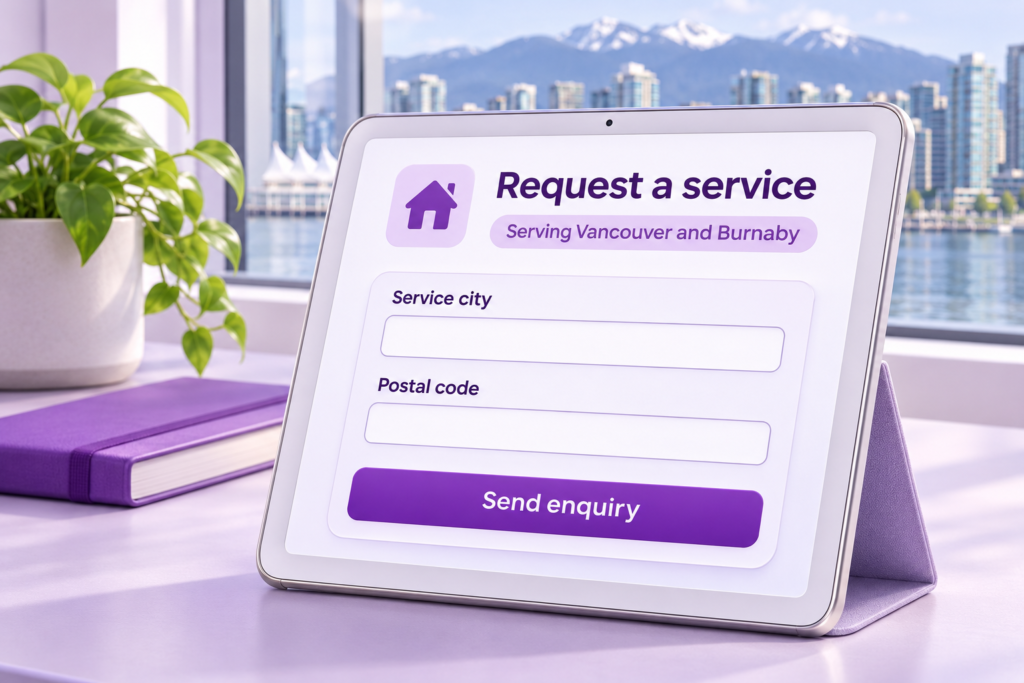
Inspect the advertisement and landing page customers actually see.
Serving Metro Vancouver creates the wrong expectation if you only accept work in Vancouver and selected Burnaby neighbourhoods. State your actual coverage near the service description and enquiry action.
Describe the work precisely too. Scheduled maintenance and urgent repairs may have different coverage or availability.
Ask for the service city or postal code, explicitly identifying it as where work is required. A field labelled simply Location could collect the customer’s current whereabouts instead.
Test that this information reaches the person assessing the enquiry. If the form captures it but the notification email omits it, repair the handoff.
If you use postalcode validation, test valid entries with and without spaces and with different letter cases. Explain genuine coverage restrictions clearly, and avoid presenting a formatting error as evidence that an address falls outside your service area.
Bixeltek’s Vancouver website design services can support clearer coverage information and a more usable enquiry process.
A Hypothetical Example of Finding the Cause
A plumbing business serves Vancouver and Burnaby but receives requests for Surrey properties. Its campaign uses Presence targeting, and the included locations match its intended coverage.
Call notes show that some customers work in Vancouver but need repairs at home in Surrey. The landing page advertises coverage across Metro Vancouver and never asks for the service address.
The evidence points to unclear coverage and missing qualification information. It does not establish that Google served the advertisements outside the selected area.
The business corrects its coverage wording, adds a servicelocation question and checks that the information reaches staff.
It then reviews subsequent requests by confirmed job location. The form test verifies information capture; later enquiry records are needed to assess whether the changes helped.
When to Review Changes and What Improvement Means
Review targeting when you launch a campaign, change your service coverage or notice recurring out of area requests. Correct clear setting errors promptly rather than waiting for more unsuitable enquiries.
Record each change and compare periods with similar enquiry handling. Allow for both customers taking time to enquire and reporting taking time to update. Assess enough requests to identify a pattern rather than judging one isolated lead.
Use the same date basis and time zone. Google Ads conversion time columns help compare recorded conversions with the dates enquiries arrived.
Calculate your out of area share: divide confirmed out of area Google Ads enquiries by all Google Ads enquiries with a confirmed service location, then multiply by 100. Keep unknown sources and locations separate.
Assess the out of area percentage alongside serviceable enquiry volume and acquisition cost. A lower percentage alone does not establish improvement.
Keep received enquiries separate from clicks and bookings. A qualified lead should meet your requirements for service, address, scope and availability.
If you use automated bidding based on conversions, check which actions the campaign uses to guide bids. A button click or unassessed form submission does not prove the customer needs work you can provide.
For broader qualification and conversion goal guidance, read Bixeltek’s guide to improving Google Ads lead quality.
Get Help Reviewing Your Service Area Targeting
If the cause remains unclear, Bixeltek’s Vancouver Google Ads management service can help review campaign targeting, search terms and landing pages against the work and locations your business accepts.