
WhatsApp vs Website Contact Form: Which Suits Saudi Customers?
Should Saudi Customers Contact Your Business Through WhatsApp or a Website Form? Use WhatsApp when customers need a short conversation before deciding what to do. Use a website form when your team needs specific details to assess a request. Offer both...
- Nov 19, 2026
- 8 min read
By Asif Shaik
Should Saudi Customers Contact Your Business Through WhatsApp or a Website Form?
Use WhatsApp when customers need a short conversation before deciding what to do. Use a website form when your team needs specific details to assess a request. Offer both when your business handles different enquiry types, and explain which option suits each situation.
For a Saudi business, the choice depends on who contacts you, what they need and when your team can respond. A household checking neighbourhood coverage has a different task from a procurement employee submitting equipment specifications.
The right contact experience makes that task straightforward and tells customers what will happen next.
WhatsApp vs Website Contact Form: Which Fits Each Enquiry?
A WhatsApp button takes customers into a messaging conversation. A website form collects information through fields on your site. Both can support an enquiry, but neither automatically confirms an appointment, order or delivery.
Choose the most prominent option on each page according to the customer’s likely task.
| Customer’s situation | Suggested first option | Why it helps |
|---|---|---|
| Checking whether you serve their neighbourhood | WhatsApp during staffed hours | A brief exchange can clarify coverage |
| Explaining a service need with a photograph | Customers can share context and answer follow-up questions | |
| Submitting quantities, specifications or project requirements | Website form | Relevant fields organise the information needed for assessment |
| Contacting you outside opening hours | Either, with a clear response notice | Customers can leave details knowing when staff return |
| Preferring an email response without using WhatsApp | Website form with email contact | It provides an alternative to messaging |
Use these distinctions as a starting point, then check them against actual enquiries.
When Does WhatsApp Make Contact Easier?

WhatsApp is useful when customers need clarification before they can submit a meaningful request.
Someone arranging apartment cleaning in Jeddah might ask whether your team brings equipment. A customer in Riyadh might want to check district coverage before explaining the job. Answering that first question helps them decide whether to continue.
Photographs and voice messages can help when customers struggle to describe something in writing. A furniture repair customer, for example, could share a photograph of the damaged item and explain what needs attention.
Ask for information in stages. A city and neighbourhood may establish coverage before you need an exact address. This keeps the first exchange focused and avoids collecting details prematurely.
Which WhatsApp Features Support Customer Enquiries?
The WhatsApp Business app includes a business profile, greeting messages, away messages, quick replies and conversation labels.
A complete profile helps customers recognise your business and check its opening hours. Quick replies let staff reuse accurate answers to common questions. Labels help organise conversations needing attention.
These features support communication; an automatic greeting does not assess a request or confirm availability. More extensive automation and team workflows need an appropriate setup. A website button alone does not provide them.
Bixeltek’s WhatsApp automation services can support structured questions and a clear route to human assistance when those capabilities are needed.
When Is a Website Form the Better Starting Point?
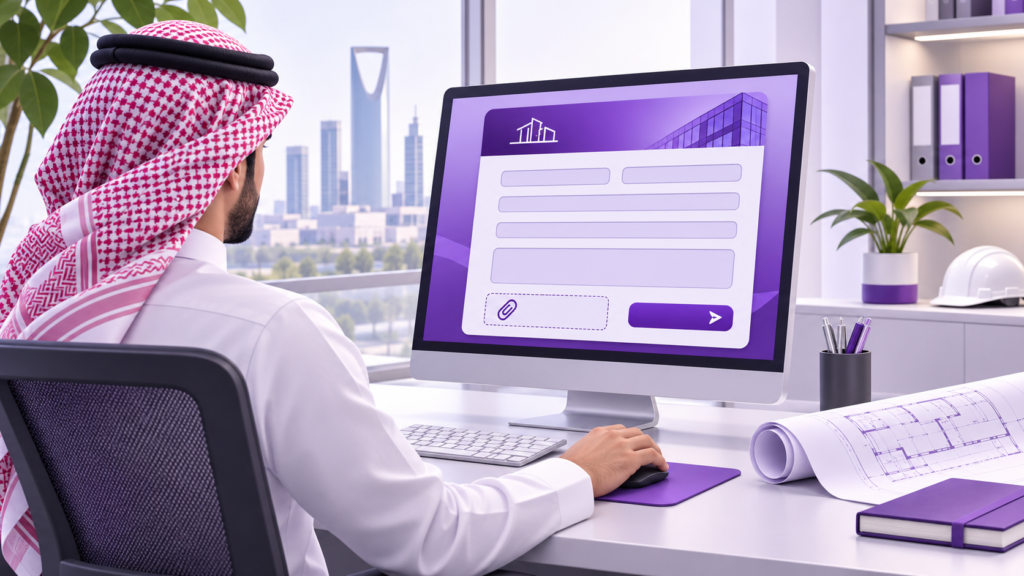
A form helps when several facts determine whether your business can assist.
For a commercial maintenance request, your team might need the city, property type, required work and preferred timing. Collecting those details together gives staff a clearer starting point than a message saying Please send information.
A form also suits customers who want to prepare a written request without starting a conversation. Someone working at a desktop may prefer submitting requirements and receiving an email response.
Require only what supports the first useful assessment. Contact details, service type, location and a brief description may be sufficient. Add company information, quantities or attachments when they matter to that request.
Explain accepted file types and upload limits where attachments are available. Keep optional fields clearly marked. A longer form is justified only when the information helps your team take the next step.
Who Are Your Customers, and How Do They Prefer to Communicate?
Saudi customers have different language preferences, working environments and reasons for contacting a business.
An Arabic speaking household may want to ask a question in Arabic. An English speaking facilities manager may need to submit a scope of work. A returning customer may prefer continuing an existing WhatsApp conversation.
Review recent enquiries to understand those differences. Examine the languages people use, their opening questions and the details staff repeatedly need before responding usefully.
Provide instructions in the languages your team can support. If you accept Arabic and English enquiries, say so beside the contact options.
Customers should also understand whom they are contacting. Labels such as Ask about a new service and Get help with an existing order provide direction before the conversation begins.
Where Should Contact Options Appear on Your Website?
Place contact options where customers have enough information to act.
On a local service page, a WhatsApp invitation can follow the explanation of coverage. On a commercial service page, a requirements form can follow the description of the work you handle.
Use labels that explain the purpose:
- Ask a Question on WhatsApp
- Send Your Project Requirements
Keep the alternative visible. Customers unable or unwilling to use WhatsApp should still have a practical way to enquire.
Check both phone and desktop layouts. Floating buttons should not cover text, form fields or navigation. For businesses in Dammam, Al Khobar and Dhahran, Bixeltek’s website design in Saudi Arabia’s Eastern Province can help organise these contact choices around relevant service information.
What Should Customers Expect After Contacting You?

Publish your staffed days, hours and a response timeframe your team can meet. State Saudi Arabia time where overseas visitors may enquire.
Both channels can receive requests after hours. Explain the wait clearly instead of suggesting someone is always available.
For example, a hypothetical business staffed Sunday to Thursday, from 9 am to 6 pm, could use this Thursday evening away message:
Thank you for contacting us. We reopen on Sunday at 9 am, Saudi Arabia time. Our team will begin reviewing enquiries when we reopen. Please share the service you need and your city.
Update this wording for holidays or schedule changes.
Explain whether the next response will come by email, telephone or WhatsApp. An acknowledgement should confirm receipt without implying that the work is accepted. For delivery checks and assignments, see what should happen after someone submits your website form.
How Can WhatsApp and a Form Work Together?
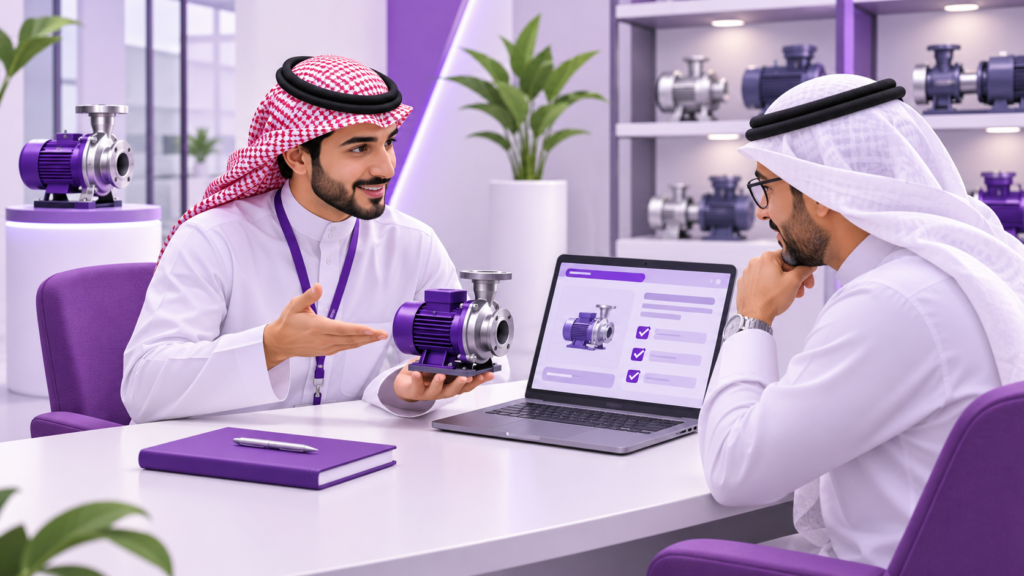
Consider a hypothetical Dammam equipment supplier receiving WhatsApp enquiries with missing specifications. Staff repeatedly ask buyers which model, quantity and delivery destination they need.
Reviewing those conversations reveals two needs. Some buyers only want to know whether the supplier handles a product category. Others have specifications ready for assessment.
The supplier keeps WhatsApp for initial questions and offers a requirements form for detailed submissions.
If a buyer has already shared the model and quantity in WhatsApp, staff ask only for the missing details. They offer the form when it makes the submission easier, explaining that availability and delivery requirements must be reviewed before supply can be confirmed.
To verify the change, review subsequent enquiries. Are essential details available? Do customers understand the next step? Are they being asked to repeat information? More button clicks alone cannot establish whether the experience improved.
Make the Next Step Clear
Collect only information relevant to the enquiry, explain why you need it and keep your privacy notice accessible. A service request should not automatically enrol someone in promotional messages.
If customers struggle to choose between asking a question and submitting requirements, Bixeltek can help review the page wording, contact options and response expectations.