
WordPress vs Custom Website: Which Fits Your Business?
WordPress is a practical starting point for a business website built around service pages, articles and routine content updates. A custom-coded approach deserves closer evaluation when essential workflows, data relationships or user interactions would be difficult to build and maintain...
- Oct 14, 2026
- 11 min read
By Asif Shaik
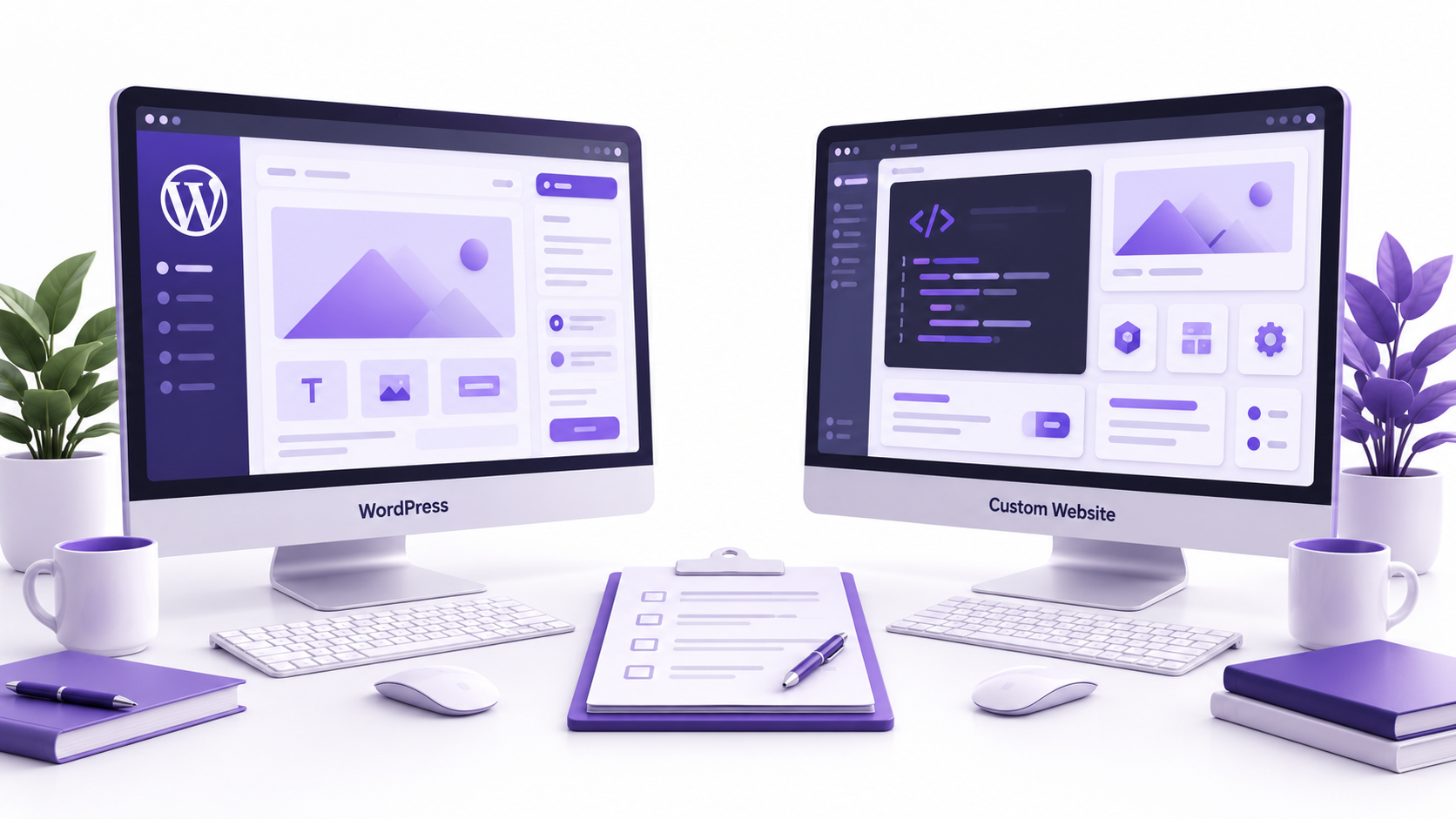
WordPress is a practical starting point for a business website built around service pages, articles and routine content updates. A custom-coded approach deserves closer evaluation when essential workflows, data relationships or user interactions would be difficult to build and maintain within WordPress.
The WordPress vs custom website decision is not simply a choice between a template and an original design. WordPress can support a bespoke website, while a custom-coded website can include an editor for your team.
For business owners and marketing teams comparing proposals, the useful question is: which approach meets your needs and remains manageable after launch?
That means assessing how people will edit content, how systems will exchange data, who will maintain the website and what you will receive at handover.
Understand What Each Website Proposal Includes
Three terms need separating before you compare options.
WordPress is a content management system, or CMS. It provides a foundation for publishing and managing content. Developers can extend it through themes, plugins and custom code.
A custom CMS website describes a tailored content-management setup. It might use WordPress with bespoke content fields and editing blocks, another established CMS, or a purpose-built administration system. The term alone does not tell you which technology is underneath.
A custom-coded website describes how the website’s interface and functionality are developed. It can connect to an existing CMS, use a bespoke dashboard or have no content editor at all.
These approaches can overlap. For example, a business might use WordPress to manage articles while a separately developed interface displays them. This is a headless setup: the content system and the visitor-facing website operate separately.
When reviewing a proposal, ask the supplier to name the CMS, explain what is being developed specifically for you and identify the third-party components the website will depend on.
Bixeltek’s custom CMS website development covers content-management approaches that can include tailored WordPress builds. That is a relevant option when editorial control is central to the project.
A Requirements Matrix for Choosing Your Starting Point
Use this matrix to decide which approach to evaluate first. It provides a starting point for assessing a website build, rather than a final platform verdict.
An application programming interface, or API, provides a way for systems to exchange data. It can let a CMS supply content to a separately developed website or application.
| Business requirement | Approach to evaluate first | Evidence to request |
|---|---|---|
| Your team frequently publishes service pages, articles and case studies | WordPress with suitable templates and editing controls | An editor demonstration using your actual content types |
| You need a distinctive design with familiar publishing tools | A custom WordPress theme or tailored CMS build | Demonstration of both the design and editing experience |
| Forms need to send enquiries into an existing customer system | WordPress integration or a custom connector | Field mapping, failure handling and a test record reaching the destination |
| Users need specialised permissions, calculations or approval workflows | Custom WordPress development, a separate application or a custom-coded build | A prototype of the hardest workflow, including restricted actions |
| Content must appear across a website and another application | A CMS with an API, potentially with a custom frontend | A demonstration of publishing, previewing and updating content across destinations |
| Content rarely changes and the website has limited functionality | A small custom-coded site or a straightforward CMS build | A clear process and cost for occasional updates |
A unique design does not automatically require a separate technology stack. Equally, an available plugin does not establish that a business-critical workflow will work correctly.
When a Separate Custom-Coded System Deserves Evaluation
A separate application becomes worth evaluating when a prototype or technical assessment shows that essential functions would demand extensive changes to WordPress’s underlying content, user or workflow structures.
For example, a distributor portal might need account-specific pricing, multiple approval stages and transaction records synchronised with an external business system. WordPress may support those functions through custom development, but the assessment should establish how much adaptation is needed and how reliably it can be maintained.
Compare that work with a separate application designed around those processes. Consider development effort, testing, updates, documentation and the skills required for ongoing support.
A separate system can also sit alongside WordPress: the CMS manages public content, while the application handles specialised transactions. That arrangement introduces its own integration and maintenance responsibilities, which belong in the comparison.
Compare Editing and Integrations Through Real Tasks
Can Your Team Make the Changes It Actually Needs?
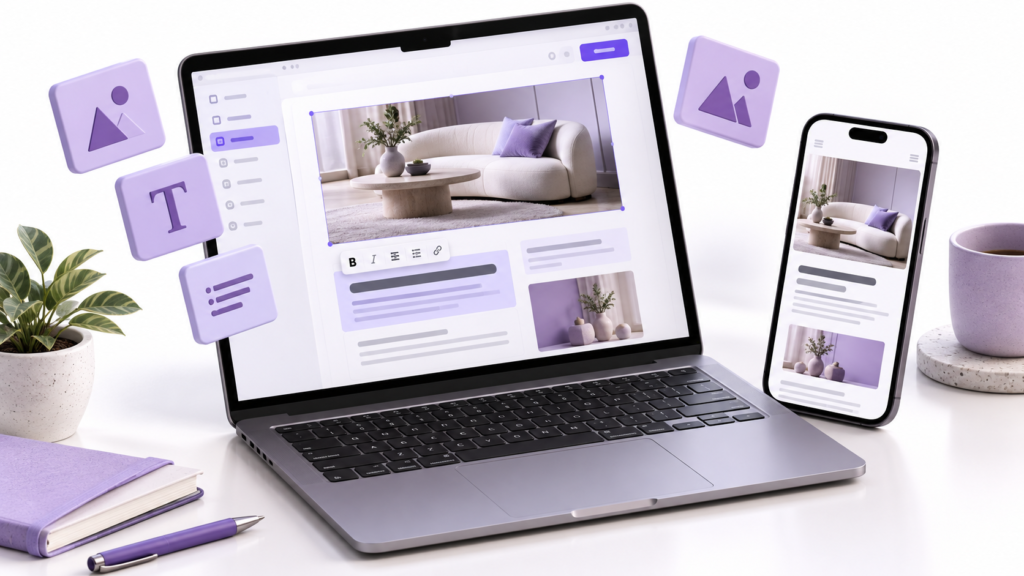
WordPress includes publishing tools and user roles, but the finished editing experience depends on how the website is configured.
An editor may be able to update text while needing developer help to create a new page layout. A custom-coded website connected to a well-designed CMS may offer straightforward controls for the same task.
During an editor demonstration, use representative changes:
- Update a service description and replace its image.
- Create a page using an approved layout.
- Preview the page on mobile before publishing.
- Give a colleague content-editing access without unnecessary administrative permissions.
Watch for steps that require code changes, developer intervention or access beyond the editor’s responsibilities.
If a routine publishing task is difficult, identify the constraint. Better templates, structured fields or clearer permissions may solve it without changing platforms.
Does the Integration Handle More Than a Successful Submission?
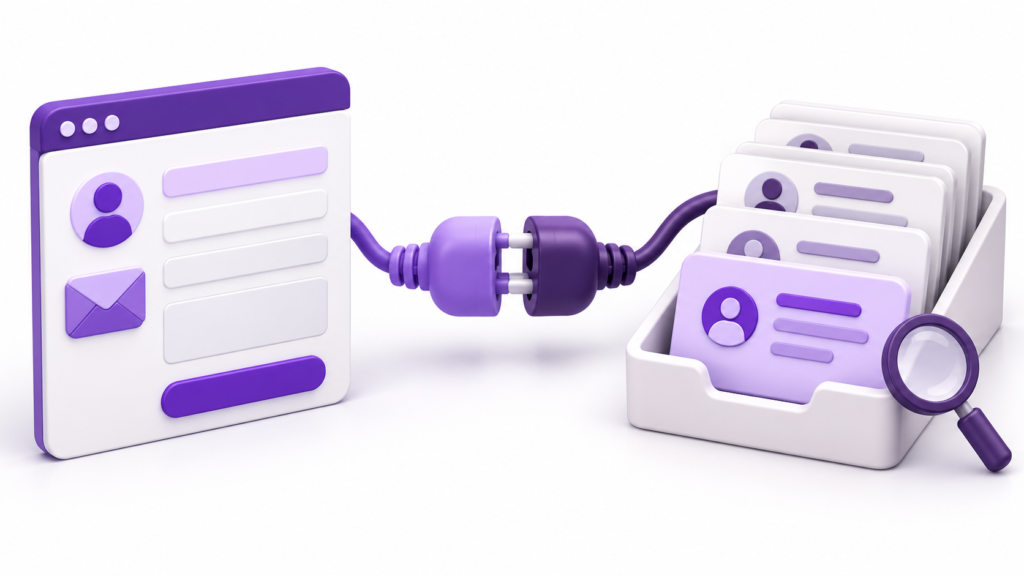
WordPress can integrate with external systems through plugins or custom development. A custom-coded website can also use existing connectors and third-party services.
The important question is whether the connection supports your actual process.
For an integration with a customer relationship management system, or CRM, check:
- Which fields are transferred and how they are matched.
- Whether existing customer records are updated or duplicated.
- What happens when the receiving system is unavailable.
- Where failures are recorded and who investigates them.
- How access credentials and customer information are protected.
An available API does not prove that all necessary operations, permissions or usage limits suit your project.
Before accepting the integration, send a clearly labelled test record and inspect it in the receiving system. Also test the agreed failure scenario. A success message on the website alone does not confirm that the destination received the data.
Assess Performance and Security Without Platform Assumptions
Performance Depends on the Finished Website
Neither WordPress nor custom code guarantees a fast website.
Images, scripts, hosting, caching, database work and external services all affect the experience. A custom build can ship unnecessary JavaScript; a WordPress build can use efficient templates and carefully selected extensions.
Use Google PageSpeed Insights to inspect representative pages, including a service page and a content-heavy article. Review its diagnostics for loading delays, excessive scripting and layout movement.
Distinguish the two types of evidence:
- Lab results help investigate performance under simulated conditions.
- Field data, when available, describes real-user experience over a reporting period.
A new website may not yet have enough field data. A strong lab score is useful evidence, but it does not establish how every visitor will experience the site.
If performance is a reason for rebuilding, identify the current bottleneck first. An oversized image or slow external widget may need a targeted correction rather than a platform change.
Search visibility also depends on how the website is built. Both approaches need accessible content, crawlable links, appropriate indexing controls and reliable page metadata.
For a JavaScript-heavy page on a site you manage, enter its address in Google Search Console’s URL Inspection tool and select Test live URL. Open View tested page and inspect the rendered HTML and screenshot for important content. If content is missing, review resource-loading errors and how the page generates that content.
Seeing the content in this test confirms that it was available in the tested rendering. It does not guarantee indexing or rankings.
Bixeltek’s technical SEO services are relevant when the unresolved concern involves rendering, crawlability or website performance.
Security Requires Assigned Responsibilities
WordPress maintenance includes keeping core software, themes and plugins current, managing access and protecting the hosting environment.
Custom builds can contain vulnerabilities in application code, dependencies or configuration, so they also need ongoing security maintenance.
The maintenance plan should match the actual architecture. Ask who is responsible for:
- Monitoring security notices and applying relevant updates.
- Testing changes before release where appropriate.
- Managing administrator access.
- Maintaining backups and checking that restoration works.
- Responding to an incident.
A security plugin, certificate or automated scan does not establish that the entire website is secure. Look for a defined process with named responsibilities.
Check Ownership and Support Before Signing
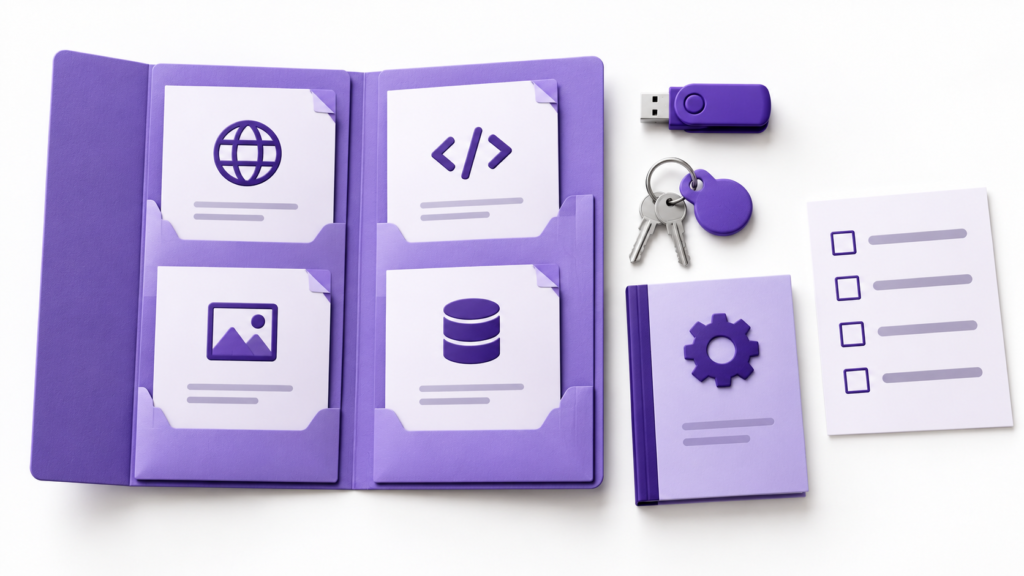
An editable dashboard is useful, but it is only one part of controlling your website.
Confirm that the handover includes the access and materials needed to operate and, if necessary, move the system:
- Domain registration and hosting access.
- Website files and database access, or a documented export process covering the content, media and business data needed for migration, with any exclusions clearly identified.
- Access to the code repository where one is used.
- A list of third-party components, accounts and renewal obligations.
- Setup, deployment and maintenance instructions.
- Design assets included in the agreement.
Have the proposal state the rights you receive to project-specific code and design. Third-party software and assets remain subject to their own licences; a custom build does not eliminate those dependencies.
Support should distinguish between fixing a defect, maintaining existing functionality and developing a new feature. Ask how each is handled, whether support covers every part of the system and what happens if you change suppliers.
For a custom system, a useful handover check is whether another qualified developer can understand how to run and maintain it from the supplied documentation.
If specialised functionality is central to the project, review custom-coded website development alongside the CMS option. Compare the support arrangements as carefully as the feature list.
Compare Total Cost Over the Same Period
WordPress can reduce development work when established features closely match your needs. Custom development can be justified when adapting existing components would introduce substantial compromises or recurring work.
Neither observation establishes which proposal will cost less for your business.
Ask suppliers to price the same scope over the same planning period. Include:
- Discovery, design, development and content migration.
- Hosting and recurring software or service charges.
- Maintenance, monitoring, backups and support.
- Integration upkeep when connected systems change.
- Training and anticipated content or feature changes.
- Handover or exit assistance.
Also consider your team’s operating effort. A lower build quote may require employees to repeat manual data entry or wait for routine updates.
Keep those considerations separate from speculative revenue claims. Compare known charges and identifiable work rather than assuming that one platform will produce more enquiries.
Hypothetical Example: A Manufacturer Needs a Dealer Portal
A manufacturer wants staff to manage public product pages and approved dealers to access account-specific documents. A standard WordPress membership setup is suggested for both tasks.
During a prototype review, a test dealer from Account A can open a document intended only for Account B by using its direct address.
The checked evidence identifies a permission failure in that setup. It does not establish that WordPress cannot support the portal.
The supplier replaces the generic access rule with a custom WordPress module that applies server-side permission checks on every protected document request, including requests made through direct addresses. Hiding document links would not be sufficient. Staff continue editing public product pages through the CMS.
Verification repeats the test using two dealer accounts. Each can access its own documents, while requests for the other account’s documents are denied. An unauthenticated request is also denied.
These checks verify the tested access rules. They do not prove that the whole portal is secure; other functions and access paths still require appropriate review.
In this hypothetical case, the correction addresses document access. A complete platform replacement would need a separate justification.
Choose the Approach You Can Operate and Maintain
Choose based on the evidence gathered: whether essential functions work, whether your team can manage routine tasks and whether the support and total cost are acceptable.
If your proposals use “custom” differently, or leave a critical business need unresolved, Bixeltek can review the brief with you and discuss a suitable development approach.